Wastewater
TCEQ DMR Deadlines: When Your Report Is Due and What a Late Submission Risks
ComplyFlo · October 24, 2026 · 5 min read
A guide for Texas WWTP operators: how your TPDES permit sets the DMR due date, and what a late report can actually trigger.

TL;DR
Your TPDES permit sets your DMR deadline, and NetDMR shows the exact date on each report.
Where DMRs go: electronic submission through NetDMR; paper needs a pre-approved waiver (TCEQ).
How often: your permit sets it. Most municipal WWTPs report monthly; some smaller or industrial dischargers report quarterly (EPA).
Typical monthly deadline: TCEQ's reporting calendar lists monthly wastewater DMRs as due on the 20th of the following month, so January results are due February 20 (TCEQ).
Late risk: missing the deadline can be noncompliance before any automated code appears; EPA's ICIS-NPDES generates D80/D90 codes only when expected values are still missing 31 days after the due date (EPA ECHO).
Entered is not submitted: a DMR counts only once it is validated, signed by an authorized signatory, and submitted (TCEQ).
ComplyFlo builds the draft monthly DMR package from your daily readings and shows your next DMR due date on the plant dashboard.
What is a TCEQ DMR, and why does Texas require one?
A Discharge Monitoring Report records the monitoring results and other required information used to evaluate your plant against its permit requirements. It must accurately report what you measured, including exceedances. Texas runs the federal permitting program as the Texas Pollutant Discharge Elimination System, or TPDES (TCEQ), and those reports go through NetDMR, the portal on EPA's Central Data Exchange (TCEQ). ComplyFlo is built around that workflow.
When is a TPDES DMR due each month or quarter?
Your TPDES permit sets the reporting deadline, and NetDMR displays the exact date on every report. TCEQ's reporting calendar lists monthly wastewater DMRs as due on the 20th of the following month, so January results are due February 20 (TCEQ). EPA states that "the DMR due date is set by the NPDES permitting authority" (EPA ECHO), and TCEQ's reporting guide shows a "DMR Due Date" on each report in NetDMR (TCEQ). Verify the date in your permit and NetDMR, because an individual permit can set a different day.
How do you know if you file monthly or quarterly?
Your reporting frequency is written into your permit and depends on your facility. Most municipal plants report monthly, while some smaller or industrial dischargers report quarterly (EPA).
Permit type | Typical DMR frequency | Typical due timing |
|---|---|---|
Municipal WWTP (most) | Monthly | 20th of the following month (TCEQ) |
Smaller or some industrial dischargers | Quarterly | Due as specified in the applicable permit; quarterly schedules vary (TCEQ) |
Industrial stormwater (MSGP) | Annual | March 31 for the prior calendar year (TCEQ) |
TCEQ's calendar lists quarterly biomonitoring DMRs and tables on January 20, April 20, July 20, and October 20 (TCEQ).
What can actually follow a late or missing DMR?
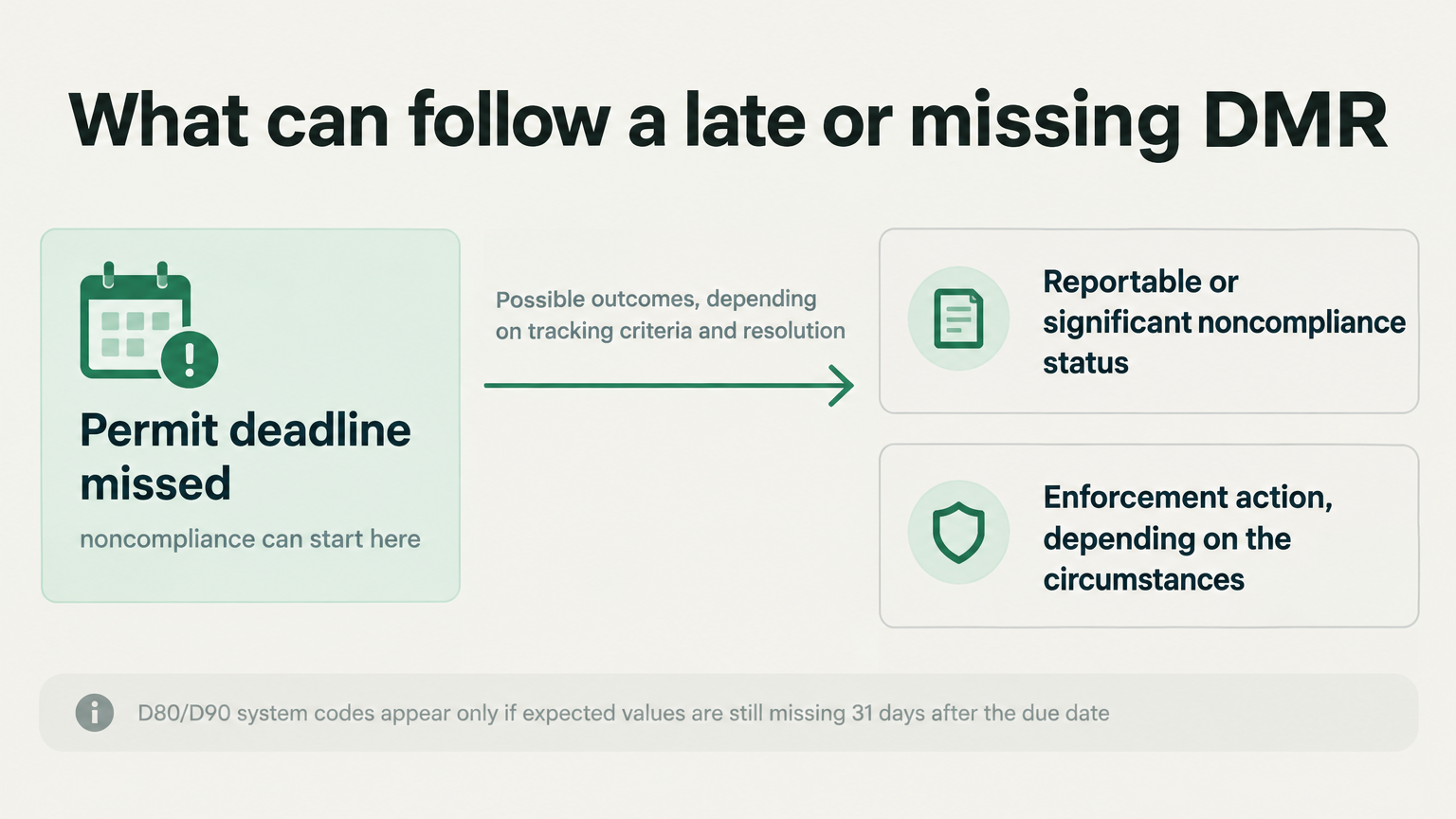
Missing the permit deadline can be noncompliance before any automated code appears, because late, missing, and incomplete DMRs are permit violations (EPA). EPA's ICIS-NPDES generates D80 or D90 non-receipt codes when expected values are not received within 31 days after the due date: D80 concerns required monitoring values, and D90 concerns values tied to effluent limits (EPA ECHO). Those codes are processing thresholds, not a deadline extension (EPA ECHO).
Late or missing reporting can contribute to reportable or significant noncompliance, depending on the tracking criteria and resolution status. Enforcement depends on the circumstances and agency action (40 CFR 122.41).
Why does entering data not complete submission?
A DMR does not count as submitted until you validate it, have an authorized signatory sign it, and submit it. NetDMR requires the report to reach "NetDMR Validated" status, then be signed and submitted; a saved or validated draft is not a completed submission (TCEQ). Retain the submission confirmation or Copy of Record. Plants often slip here when the data-entry person and the authorized signatory differ.
Preparation issues to check before the deadline
Daily readings still sit in a paper logbook or spreadsheet, so month end means re-keying and reconciling.
An incorrect statistic is entered, such as an arithmetic average where your permit requires a geometric mean. NetDMR may accept a plausible value, so validation is not calculation review (EPA).
Required reporting fields are left blank. Enter the required result or an applicable, accurate No Data Indicator (NODI) code in accordance with the permit and reporting instructions (EPA).
The signatory is unavailable at month end, so a finished report waits unsigned (TCEQ).
What does deadline prep look like manual versus digital?
Manual prep ties the deadline to paper and spreadsheets, while software keeps data ready as the month happens (ComplyFlo).
Deadline step | Manual | With ComplyFlo |
|---|---|---|
Capture readings | Paper logbook, re-keyed later | Logged from a phone or tablet with the sample time |
Calculations | Hand or spreadsheet formulas | Calculated using the permit-defined statistics |
Deadline tracking | A calendar, or nothing | Next DMR due date and permit milestones on the dashboard |
Out-of-range values | Noticed at month end | Flagged against configured limits or thresholds when entered |
Report prep | Rebuilt at the deadline | Draft DMR package prepared from approved readings for review |
Frequently Asked Questions
When is a TCEQ DMR due?
Your permit sets the due date, and NetDMR shows the exact "DMR Due Date" on each report. TCEQ's calendar lists monthly wastewater DMRs as due on the 20th of the following month, so January results are due February 20 (TCEQ).
How do I know if my DMR is monthly or quarterly?
Check the reporting section of your TPDES permit. Most municipal plants report monthly, while some smaller or industrial dischargers report quarterly, so confirm it rather than assuming (EPA).
What happens if I miss a DMR deadline?
Missing the deadline can be noncompliance before automated codes appear. EPA's ICIS-NPDES generates D80 or D90 codes when expected values are not received within 31 days after the due date, and late reporting can contribute to reportable or significant noncompliance (EPA ECHO). Late, missing, or incomplete reporting can result in enforcement and applicable administrative or civil penalties; the amount depends on the statutory provision, the violation, and the circumstances (Texas Water Code §7.052 and §7.102).
Does a DMR count if it is entered but not signed?
No. Data entry alone is not a submission. Validate the report, have an authorized signatory sign and submit it, and retain the submission confirmation or Copy of Record. A saved or validated draft alone is not a completed submission (TCEQ).
Where do I submit a DMR in Texas?
Through NetDMR, on EPA's Central Data Exchange. TCEQ requires electronic submission, and paper is only accepted if TCEQ approved a waiver (form TCEQ-20754) in advance (TCEQ). Questions go to TCEQ's NetDMR Helpline (TCEQ).
Keep your DMR ahead of the deadline
ComplyFlo surfaces your next DMR due date and permit milestones on the plant dashboard, flags readings against configured limits or thresholds as they are logged, and builds a draft monthly DMR package for review, to support timely preparation before the deadline. Operators remain responsible for verifying conversions, completeness, report requirements, and final submission.
Download the free TPDES Permit Compliance Checklist, which walks through permit-specific DMR deadlines, sampling, SSO reporting, and renewal milestones.
Free checklist
TPDES Permit Compliance Checklist
Review permit-specific DMR submissions, sampling, SSO reporting, renewal milestones, and applicable pretreatment responsibilities.
Ready to move your plant logs and reports off paper?
Book a free 1-hour demo with a ComplyFlo team member and see it running on your own workflow.
Book a free demoGet TCEQ compliance updates
Deadline reminders, rule changes, and practical guides for Texas waste operators. No spam — unsubscribe anytime.
By subscribing you agree to receive emails from ComplyFlo. See our privacy policy.